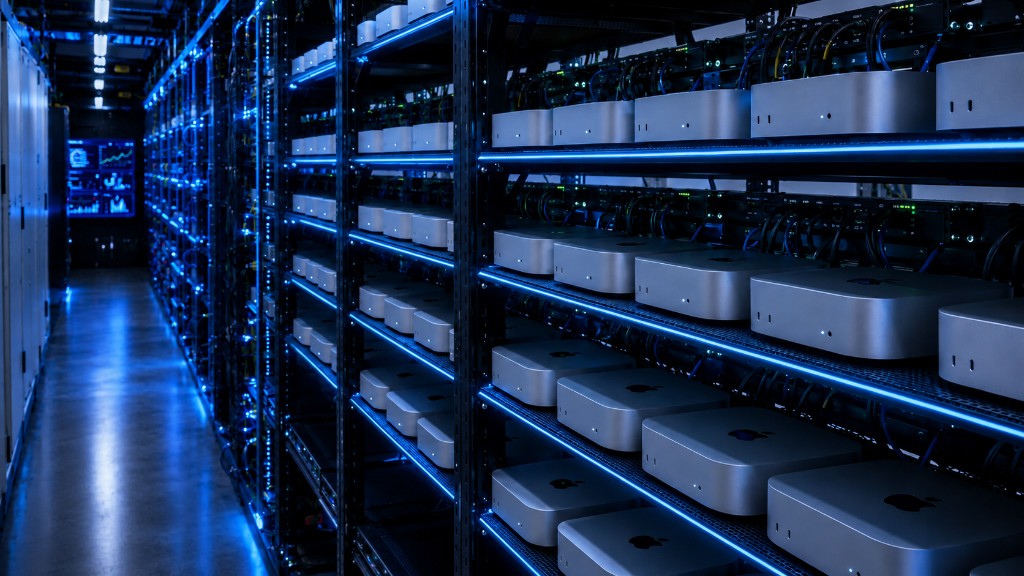
Mac mini M4
macOS Cloud Rental
No hardware to buy. No data center to manage. Get a native macOS bare-metal environment up and running in minutes after payment — built for iOS dev, Xcode builds, CI/CD pipelines, and automated testing.
MacZig
Real Apple Hardware, Smooth macOS Cloud Experience
Unlock the full potential of Mac mini in the cloud. Powered by Apple M4 / M4 Pro chips, computing power multiplies — delivering a high-performance macOS cloud productivity platform for developers.
M4 Powerful Compute
10-core CPU with hardware-accelerated 10-core GPU — handles high-concurrency builds with ease. M4 Pro goes further with 14-core CPU / 20-core GPU flagship cloud compute.
Unified Memory Architecture
From 16GB up to 64GB unified memory — multi-threaded workloads and large-scale AI/LLM local inference run smoothly in the macOS cloud.
Thunderbolt 4 / High-Speed SSD
High-speed SSD storage standard, with excellent random read/write — eliminating I/O bottlenecks during cloud compilation and deployment of large projects.
Why MacZig
The Core Advantages of Mac mini Cloud Rental
Designed for developers and enterprise workloads — no VM performance loss, just real Apple hardware efficiency.
Instant Access, Cloud-Speed Builds
M4 bare-metal compute at full throttle. Significant Xcode build improvements. Pay only for what you use — no need to buy Mac hardware.
Dedicated Hardware, Full macOS
Your own physical Mac mini. Run Xcode and any native macOS app with an experience identical to a local Mac.
Flexible Terms, Multi-Region Nodes
5 global cloud data centers, each with a dedicated public IP and 1Gbps dedicated bandwidth. Cancel monthly anytime.
Seamless CI/CD Integration
Connect with GitHub Actions, Jenkins, and other CI platforms to run automated builds and tests on your cloud Mac mini.
Why Rent?
Lower cost, faster iteration —
make cloud Mac mini your team's productivity engine.
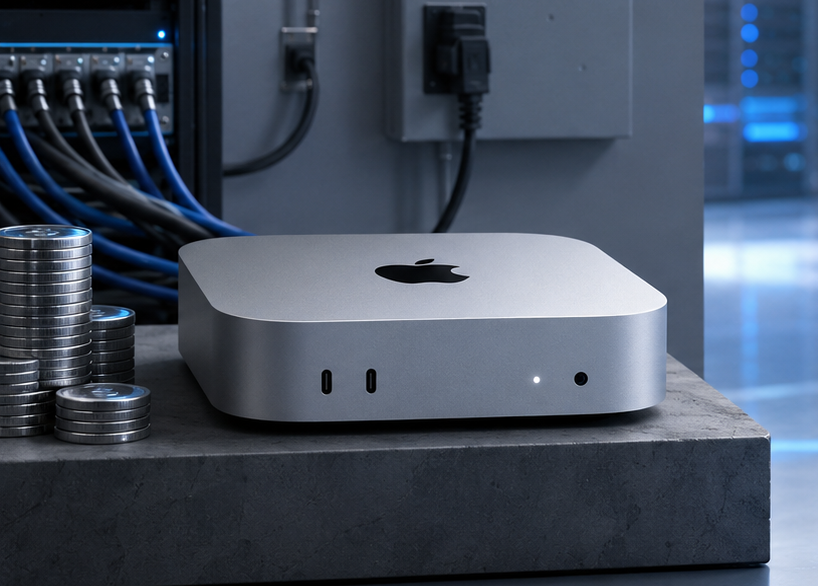
Mac mini cloud rental means physical Apple Silicon machines hosted in professional data centers, accessed remotely via SSH or VNC. Unlike VMs, you get real hardware — a full Mac mini server with zero virtualization overhead.
Need 10 Macs during a sprint but might not use them next month? With macOS rental, release cloud resources the moment you're done. See the VM vs. bare-metal comparison.
Browse macOS Rental PlansCloud Data Centers
Premium Global Nodes, Low-Latency Access
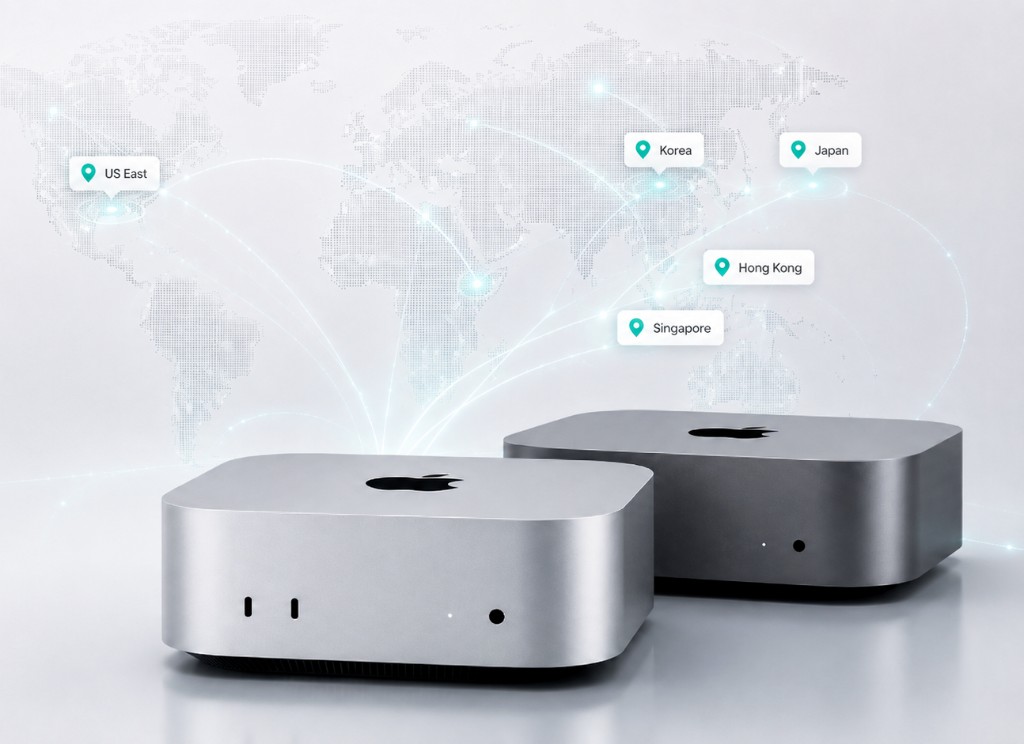
Mac mini rental hosts deployed in top-tier Asia-Pacific and US data centers, with dedicated network links for low latency and high stability.
Choose the nearest cloud node (with latency test):
Singapore
Southeast Asia coverage, global low latency
Japan · Tokyo
Tokyo core link, high-speed access
Korea · Seoul
Seoul multi-line, ultra-fast network
Hong Kong
Greater China preferred, BGP multi-line
US East
Direct North America, high overseas bandwidth
Rental Plans
Mac mini Configurations & Flexible Monthly Plans
Three main macOS rental plans, covering everything from lightweight dev and testing to daily Xcode builds to enterprise-scale compilation.
M4.Mini
Individual developers & iOS cloud getting started
- 10-core CPU / 16GB RAM
- 256GB SSD
- Standard Network + Dedicated IP
M4.S
Professional macOS dev & large-app cloud builds
- 10-core CPU / 24GB RAM
- 512GB SSD
- Dedicated Bandwidth + Priority Support
M4.Pro
Enterprise macOS CI/CD & high-performance cloud rendering
- 14-core CPU / 64GB RAM
- 2TB SSD
- High-Speed Dedicated 10Gbps Line
* All prices exclude tax · Extra storage +1TB $13.3/mo · +2TB $26.6/mo · Interconnect $9.3/mo
Hardware Specs
Mac mini Cloud Rental Hardware Specifications
Quickly compare core hardware specs across macOS rental plans
| Hardware | Mac mini M4 Best Seller | Mac mini M4 Performance | Mac mini M4 Pro Flagship |
|---|---|---|---|
| CPU & GPU | |||
| Core Count | 10-core | 10-core | 14-core |
| GPU Cores | 10-core | 10-core | 20-core |
| Neural Engine | 16-core | 16-core | 16-core |
| Memory & Storage | |||
| Unified Memory | 16 GB | 24 GB | 64 GB |
| SSD | 256 GB | 512 GB | 2 TB |
| Extra Storage | 1 TB / 2 TBOptional Add-on | 1 TB / 2 TBOptional Add-on | 1 TB / 2 TBOptional Add-on |
| Network & Access | |||
| Network Bandwidth | 1 GbpsShared Uplink | 1 GbpsDedicated Public IPv4 | 10 GbpsDedicated High-Speed Line |
| Remote Access | SSH / VNC | SSH / VNC | SSH / VNC / Dedicated Line |
| Service Guarantee | |||
| Bare-Metal Exclusive | |||
| SLA Uptime | 99.9% | 99.9% | 99.95% |
← Swipe to see full specs →
4 Steps to Connect Your Mac mini Cloud Rental
No complex network setup needed — control your remote macOS machine just like a local Mac.
Select a macOS rental plan and pay
Pick your M4 / M4 Pro cloud rental model, configure storage and billing cycle, then complete payment online.
Cloud macOS Auto-Deployment
The platform automatically allocates your Mac mini rental instance and initializes a clean macOS environment — cloud delivery typically completes within minutes.
View Your Cloud macOS Access Info
Log in to the console to view the IP address, VNC/SSH port, and initial password. Activation details are also sent to your registered email.
Connect to Your Cloud Mac mini and Start Building
Connect to your macOS rental instance via SSH or VNC, then immediately run Xcode, execute CI/CD pipelines, and run automated tests.
FAQ
Mac mini Cloud Rental FAQ
The most common questions from developers before starting macOS cloud rental
Rent Mac mini Now
Start Your
macOS Cloud Rental
Rent Mac mini M4 compute power on demand, cancel anytime, and experience a clean macOS cloud dev environment with zero barriers.
View All macOS Rental Plans